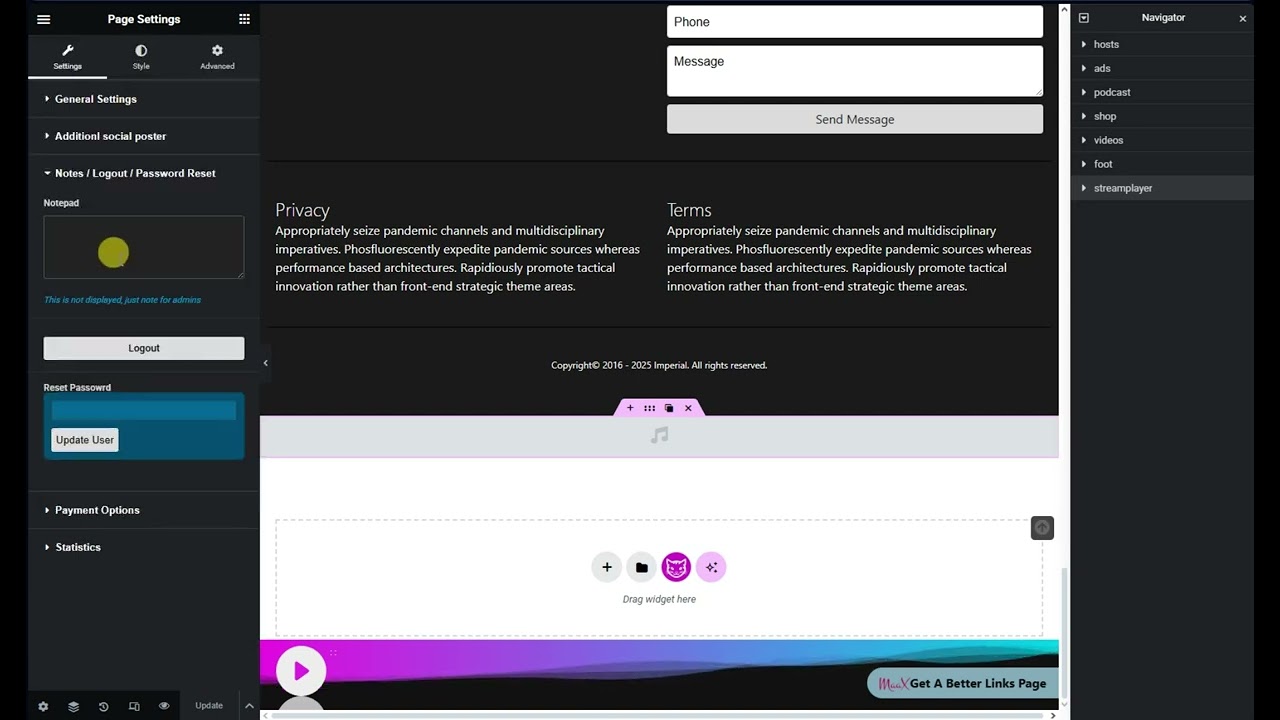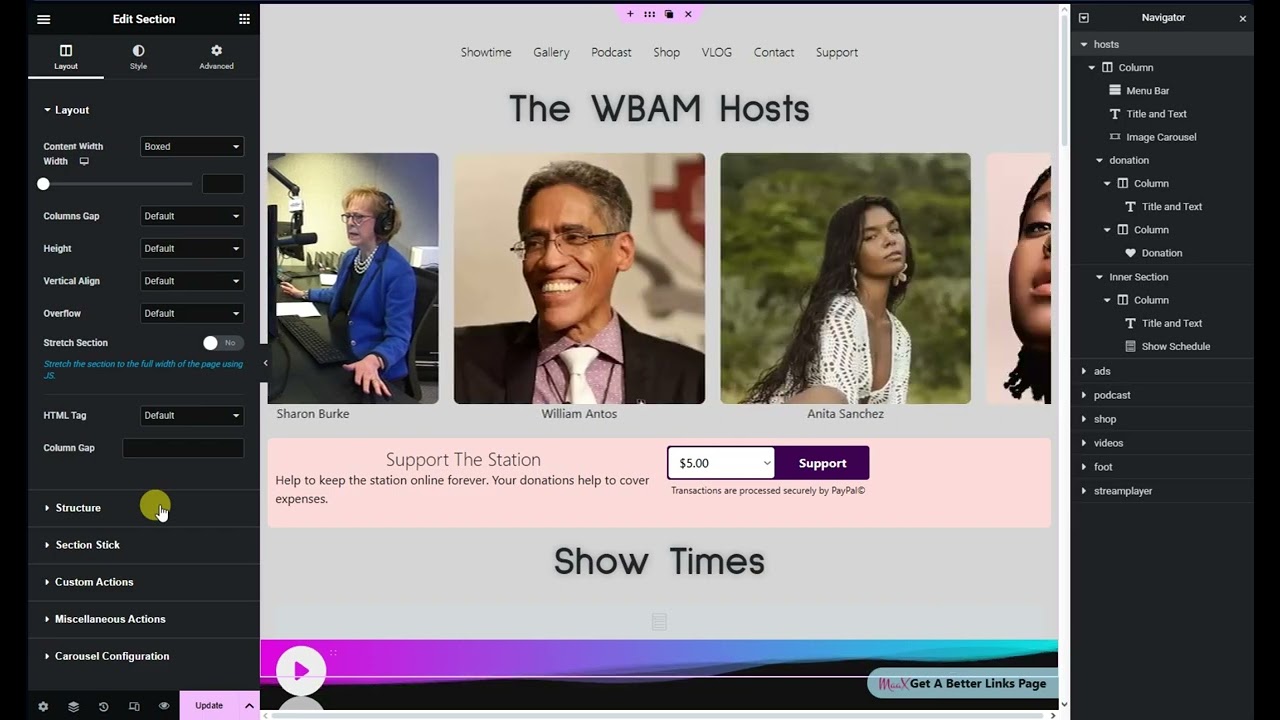
On first login to the admin panel, it's best to get familiar with the basic controls, especially the navigator panel on the right which contains the section layers. Click on each layer to see what it does. The arrow on each layer is functional and will open the sections to show the contents.
Each parent layer is a section containing multiple sub sections which are formatted as columns and are the containers for media display widgets.
Clicking on a section in the navigator and any element it contains, will open its editing tools in the left column.