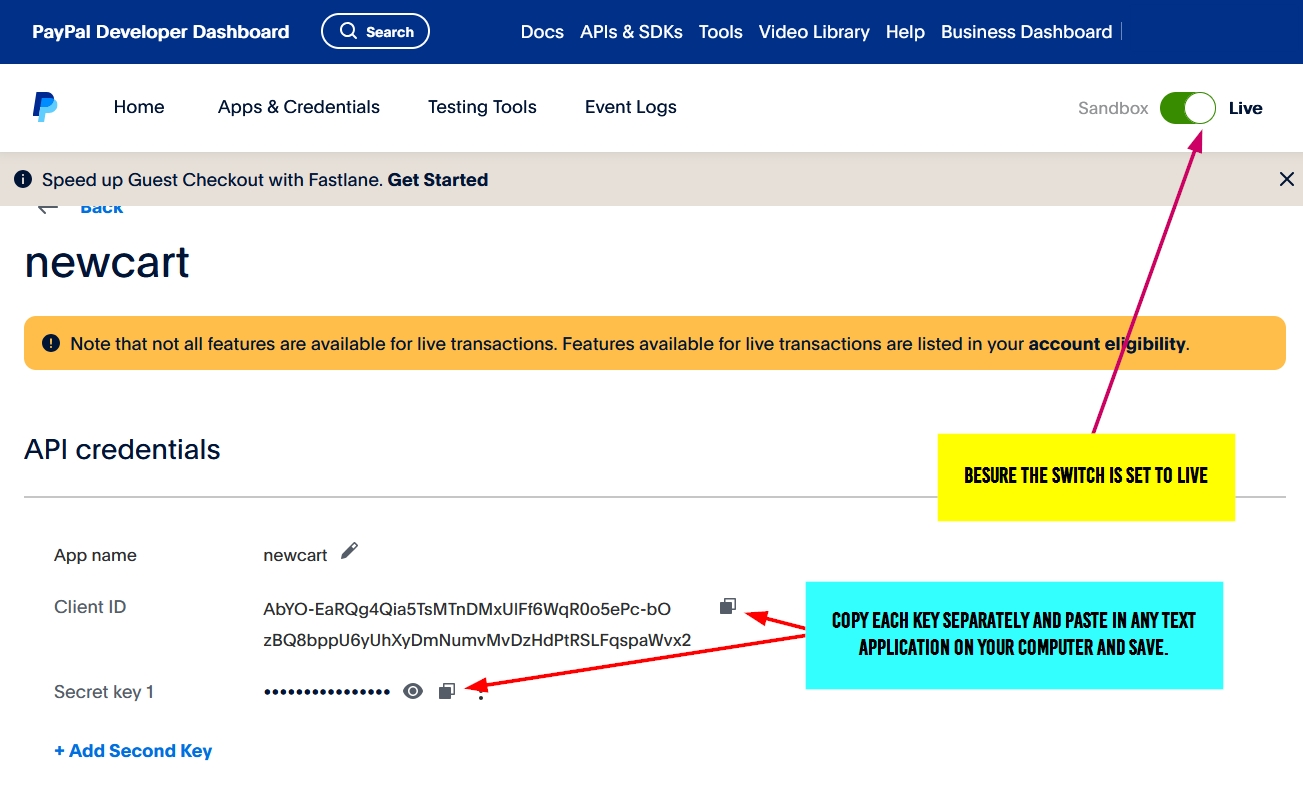
Log into your PayPal account and go to the developer area.
Step 1
Click the menu labeled Developer.
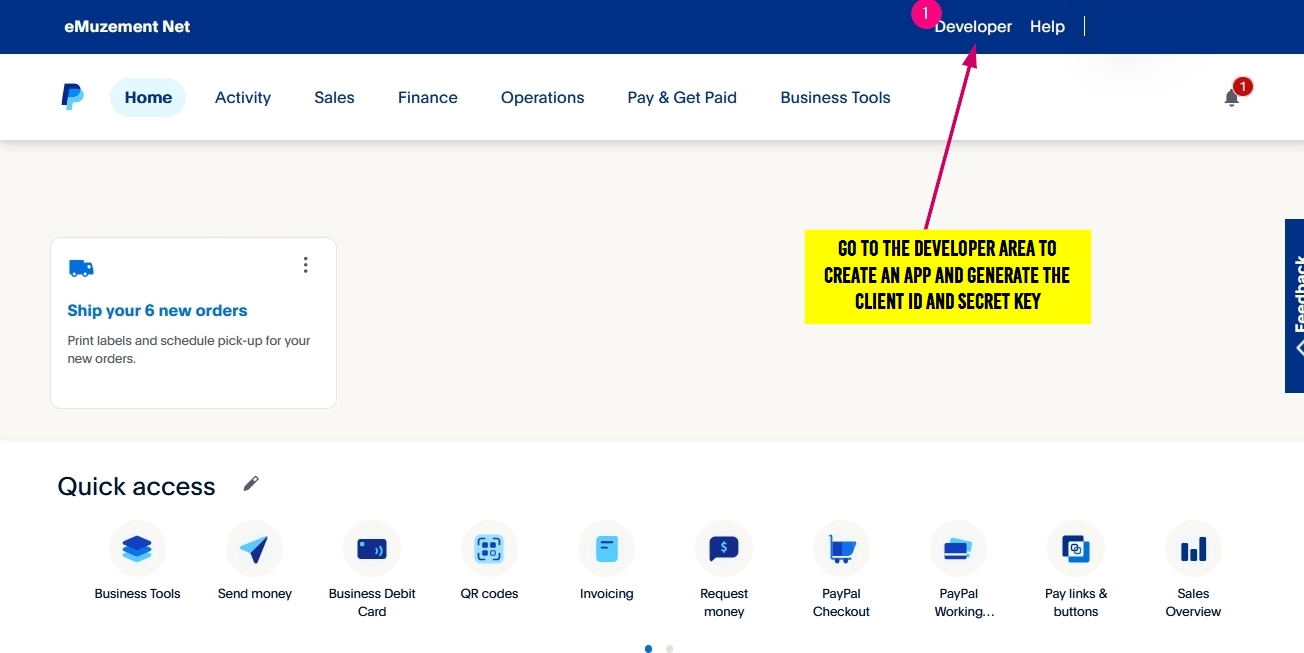
Step 2
Click button labeled Apps & Credentials.
Ensure the switch is set to Live
Click the button labeled Create App
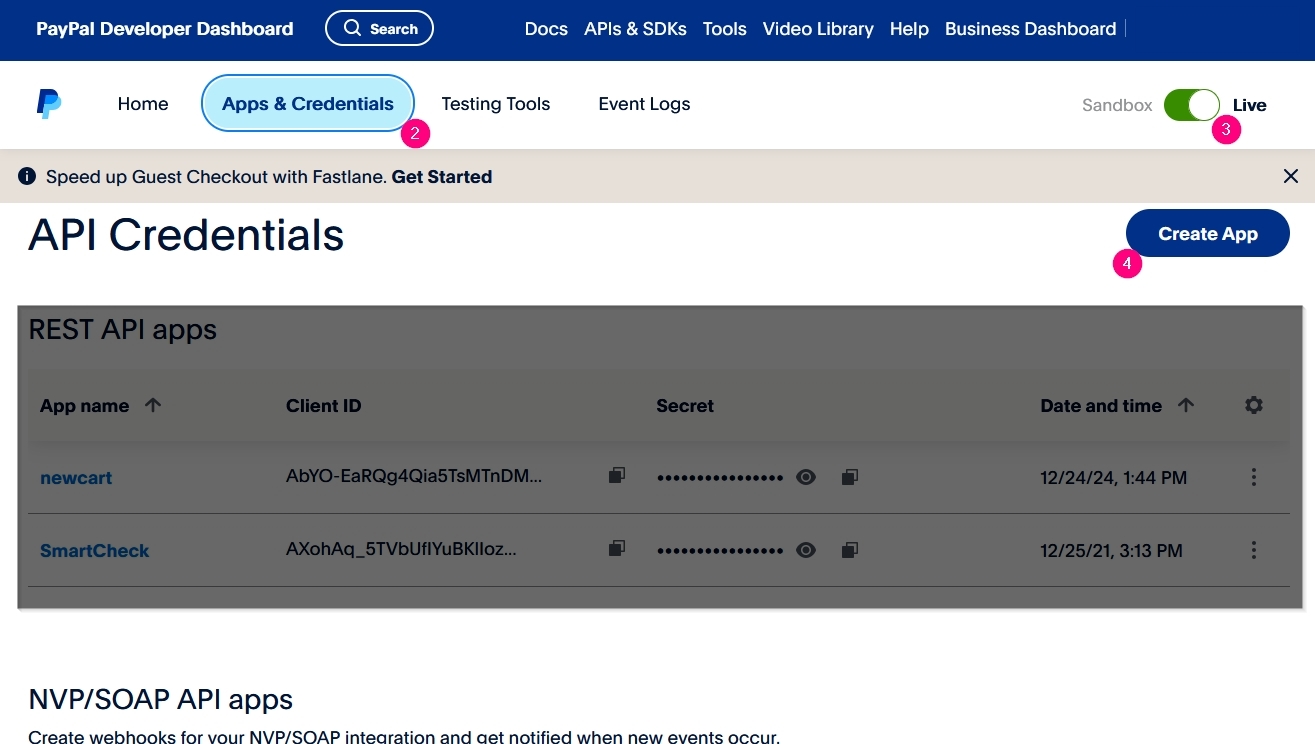
Step 3
Enter a name in the field of the pop window, something relative to your purpose EG: Shopping cart
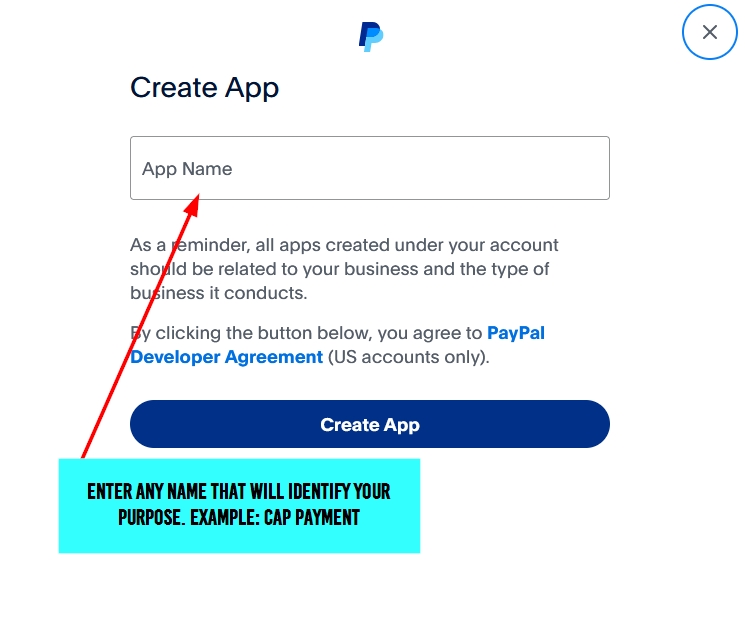
Step 4
Copy both Client ID and Secret Key and save on your device for future use.